
Mobile news is often associated with continuously updated article feeds, but many readers still value the completeness and routine of a dated edition. An e-paper can preserve that experience while giving a publisher a structured archive. The value comes from organization and accessibility, not simply uploading a PDF.
Treat every edition as a public record
Use a consistent title and publication date. Add a short description that explains the edition’s main coverage without exaggeration. Upload a clear cover image and the correct document. Check that the date displayed on the public page matches the edition itself.
Avoid filenames such as “final-new-2.pdf.” Use an internal naming convention that helps the team identify the publication, date, region, and edition.
Design the archive for browsing
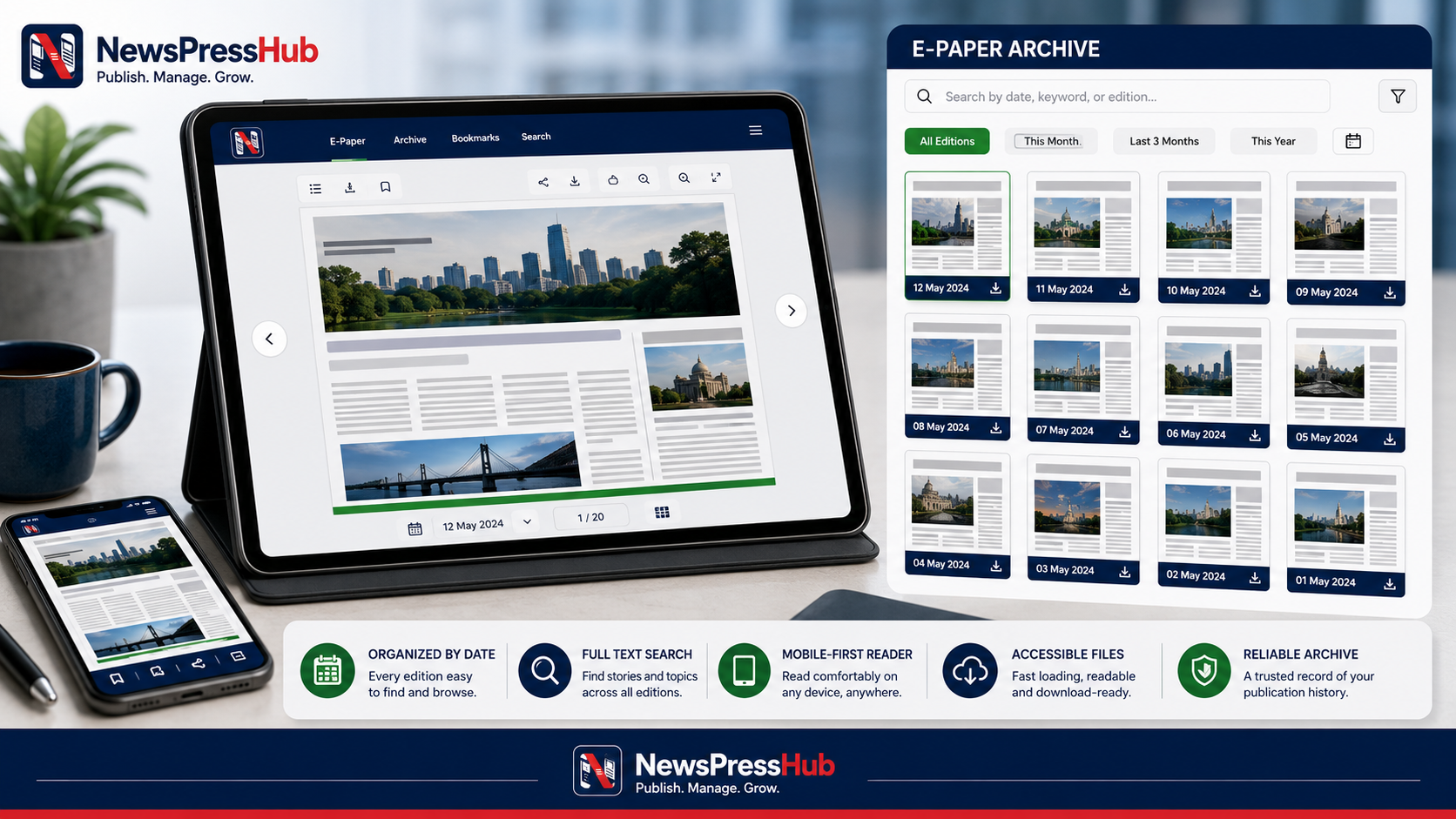
Readers should be able to find recent editions, move between dates, and understand which edition they are opening. A useful archive sorts consistently and provides recognizable covers. If the publication produces several regional editions, make that distinction visible in the title or description.
Review the actual PDF
- Confirm every page is present and in the correct order.
- Check that text and images are readable at common zoom levels.
- Remove accidental blank pages and production marks.
- Verify that the file opens on desktop and mobile.
- Confirm that the newsroom owns or is permitted to publish all included material.
Large files can be difficult on mobile networks. Optimize the document carefully, but do not compress it until text becomes blurry. The edition should remain readable for the audience it is intended to serve.
Use the cover as navigation
A cover image is more than decoration. It helps readers identify an edition quickly. Use the true cover, crop it consistently, and avoid replacing it with a promotional graphic that does not represent the file.
Connect editions to the wider website
Promote important articles as individual web stories when they deserve search visibility, sharing, updates, or accessible reading. Link those articles and the edition where appropriate. The e-paper should complement the article archive rather than hide all reporting inside a document.
Correct editions carefully
If a published file contains a material error, define how the replacement will be handled. Keep the public date and description accurate, and consider a correction note when readers need to understand the change. Do not silently swap a document in a way that misrepresents the historical record.
Make the archive part of the publishing rhythm
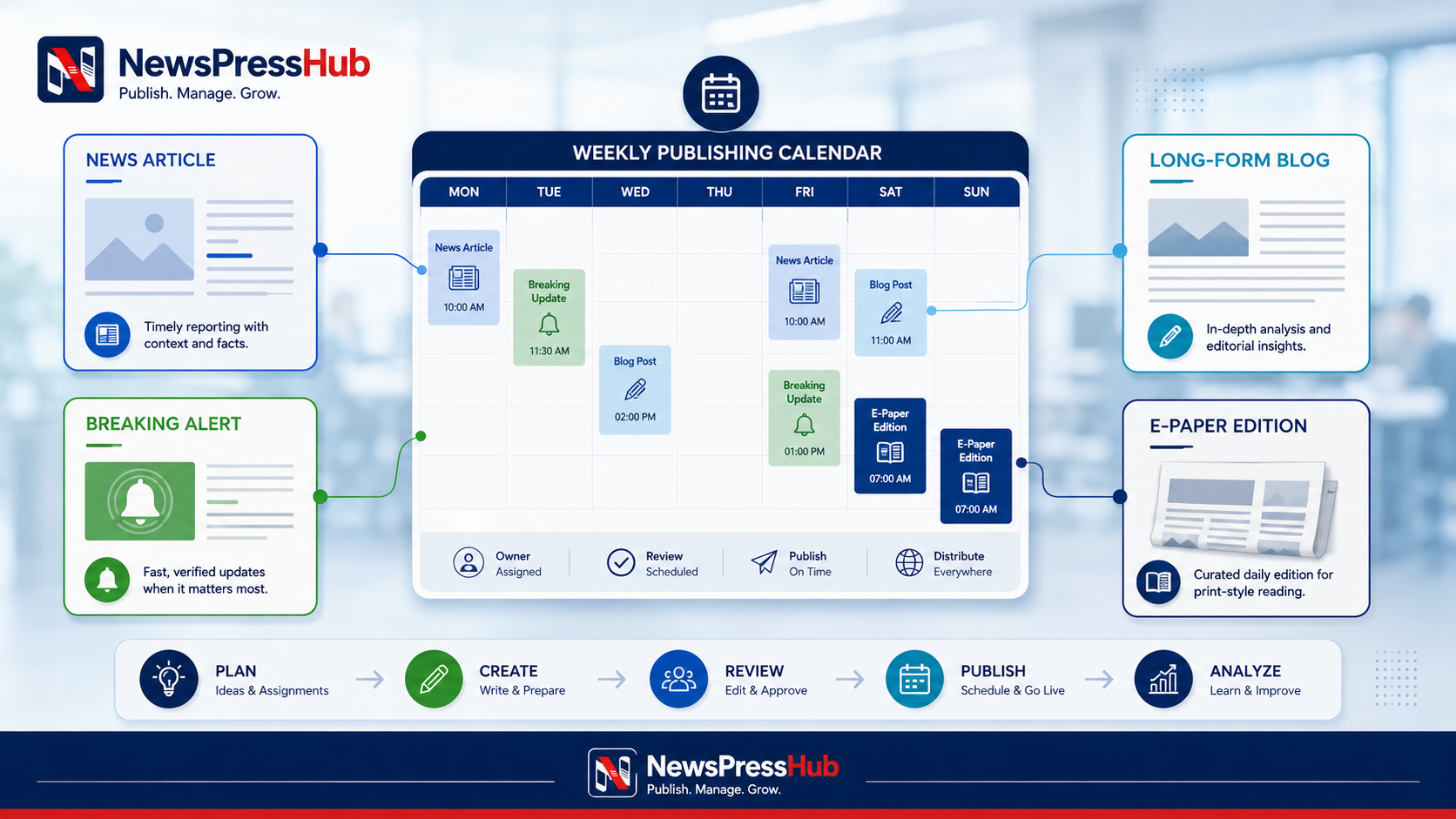
Add the e-paper check to the editorial calendar: file finalization, cover export, metadata, upload, mobile test, public-page check, and distribution. Assign one person to confirm the live edition after publication.
An e-paper archive is useful when readers can trust the date, find the right edition, open it easily, and understand how it relates to current reporting.
NewsPressHub includes e-paper titles, descriptions, cover images, document uploads, publish dates, statuses, public edition lists, and detail readers across agency templates. A consistent process turns these fields into a durable archive for the publication and its audience.