
Readers experience a publication as one brand even when the team manages many separate elements: domain, logo, favicon, homepage, article pages, social previews, contact information, policies, and mobile navigation. When those elements disagree, the publication can feel unfinished or difficult to trust.
Begin with one clear identity
Choose the official publication name, a short tagline, and a concise description. Use the same spelling and capitalization everywhere. If the newsroom belongs to a larger agency, decide whether the public brand will use the agency name, a publication name, or both.
Create a small brand kit containing a square logo, horizontal wordmark, favicon, primary color, secondary neutral colors, and basic image style. Store original files in a controlled location and keep export sizes consistent.
Use the right logo for the right space
A square logo works well for compact areas such as profile images and app-like cards. A horizontal logo is usually easier to read in a website header or footer. A favicon must remain recognizable at a very small size. Trying to use one complicated image everywhere often produces cropping and legibility problems.
Connect the domain to the publication
A custom domain should be memorable and clearly associated with the publication. Review spelling carefully before launch. If the system also provides a product domain, decide which public address is primary and configure canonical URLs consistently. Avoid switching the main public URL without a migration plan.
Select a template for the audience
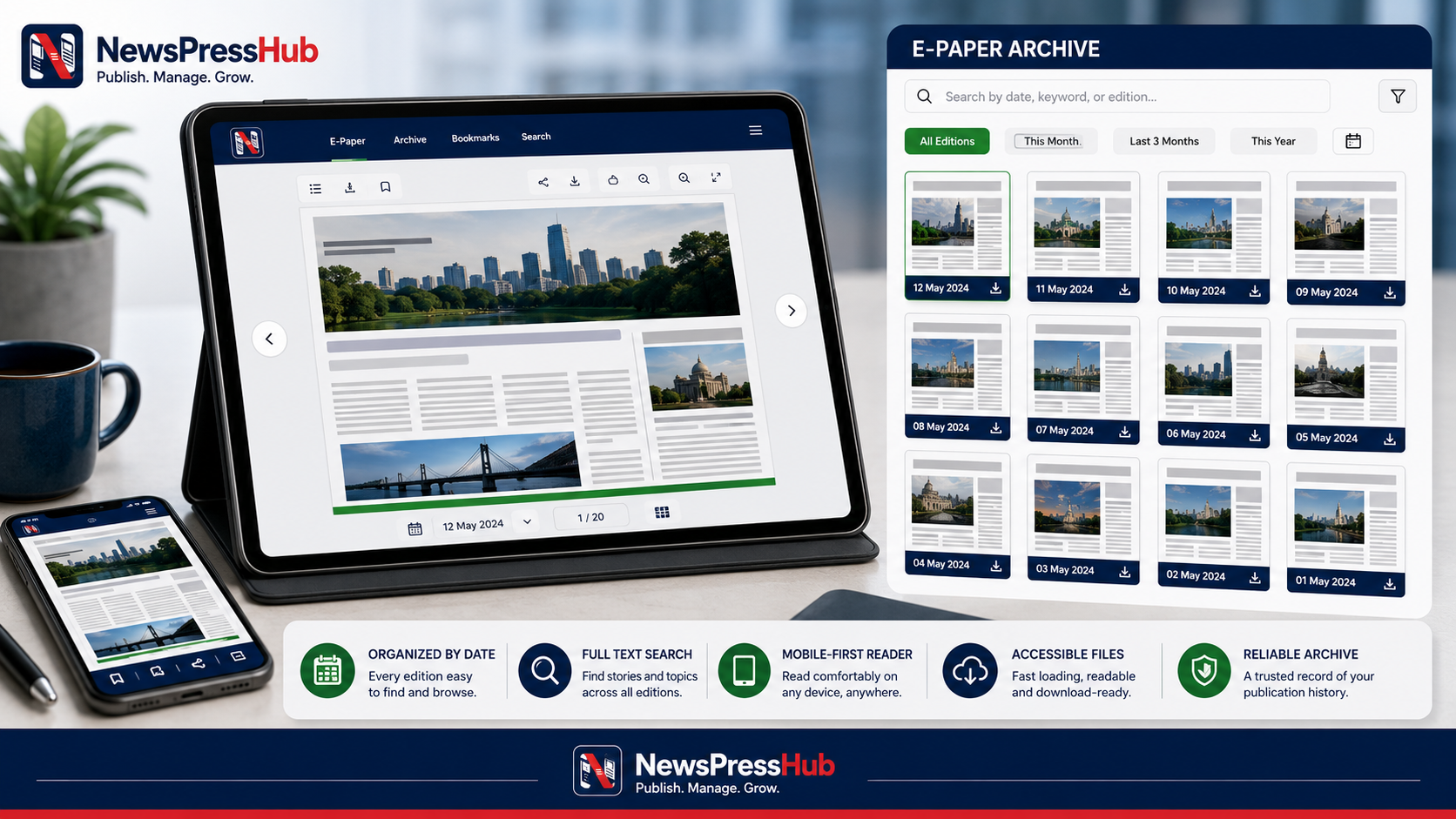
Templates should support the publication’s content mix. A fast local-news site may prioritize breaking updates, categories, and recent articles. A magazine-style publication may emphasize photography, long-form blogs, and curated sections. An e-paper-led publication needs a visible editions archive and an easy reader path.
Do not judge a template only by its demo content. Test it with real headline lengths, real category names, portrait and landscape images, Gujarati or other required scripts, and the number of navigation items the newsroom expects to publish.
Make public details consistent
- Use the same contact email and phone format across footer and contact page.
- Keep the About story, mission, and tagline aligned.
- Publish current privacy, terms, and refund or cancellation information where relevant.
- Use accurate social profile links and remove empty icons.
- Check that the favicon and sharing image appear on real public URLs.
Extend the identity into articles
Brand consistency is not only visual. Use repeatable headline standards, category labels, date formats, image treatment, author presentation, and correction language. A reader should be able to move from the homepage to a detail page without feeling that they entered another website.
Review mobile presentation
Most brand problems become obvious on a narrow screen: a wordmark becomes unreadable, navigation wraps, images crop the main subject, or footer links become difficult to tap. Review the live domain on multiple screen sizes and slower connections before a campaign drives traffic to it.
Good branding makes the publication easier to recognize. Good editorial consistency makes it worth recognizing.
NewsPressHub centralizes agency name, tagline, description, domain, product domain, template selection, logos, favicon, brand color, social links, About content, and SEO settings. Treat those fields as one system and schedule a quarterly brand review to keep the public experience accurate.